






LOCATE GET STARTED

Our Partners

Registration

Your KYCS Locate device will be activated within 48 hours after purchase and receipt of your registration, registration is provided by an authorized KYCS Locate dealer.

Setup a New KYCS Locate Account There are 2 steps

STEP 1  Create your Account,
Note click:  here to watch video.

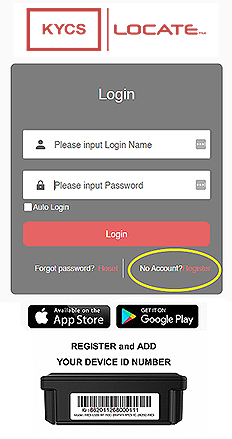
  1. Click  here to Register a new account.
    (a new page will open).
  2. Enter a valid email address.
  3. Validate your email – Check your email for a verification code sent to you from KYCS. Enter it in the code box (check your spam or junk folder for the email).
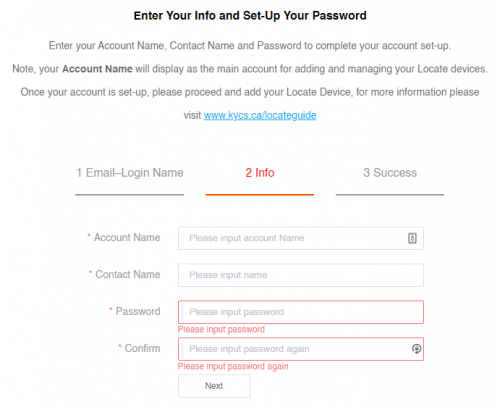
  4. Enter your Account Name – (use your asset name or your name etc),
  5. Enter a Contact Name – (put your name or email address etc).
  6. Enter and confirm your password

Your account has been created, please follow the instructions in step 2 to have the device added to you account 

STEP 2 – How to add your device to your new account.

Please ensure you have followed STEP 1- Account Set-Up before continuing to the steps below.
Your KYCS Locate device will be activated within 48 hours of submitting your support ticket.
1. Send an email to contactus@kycs.ca
2. Provide your “Name” and the “Email Address” used for your account
3. In the Subject line type in “Add Device to Customer Account”
4. Please add the 15 digit Device ID #  86*************  which will be on your certificate document, to the body of the email .
5. Once your Device(s) have been added to your account you will receive an email. Please allow 48 hrs to Create Your Account

create account

KYCS Locate App - GET STARTED

  1. Download the free KYCS Locate app. Download links available at the bottom of this page.
  2. Login using your credentials created above.
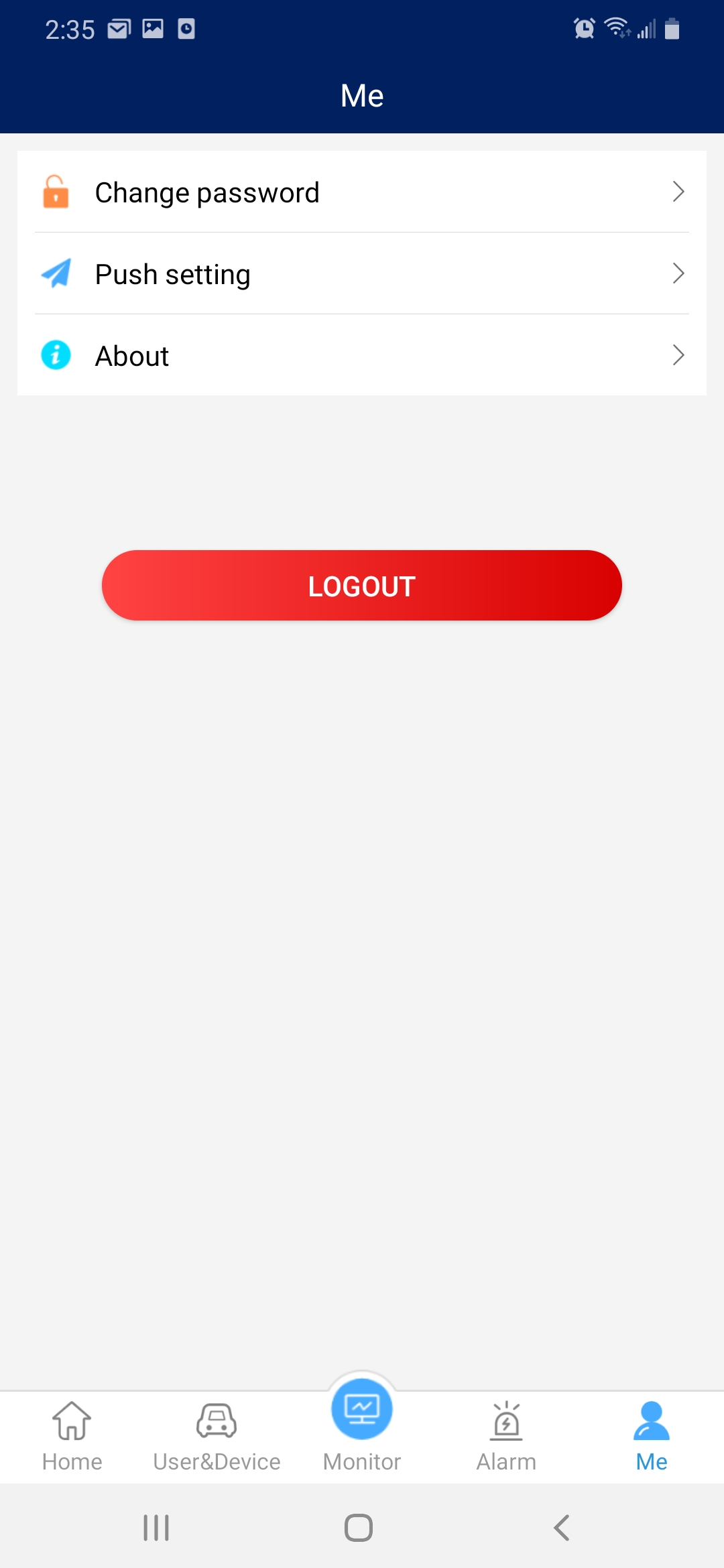
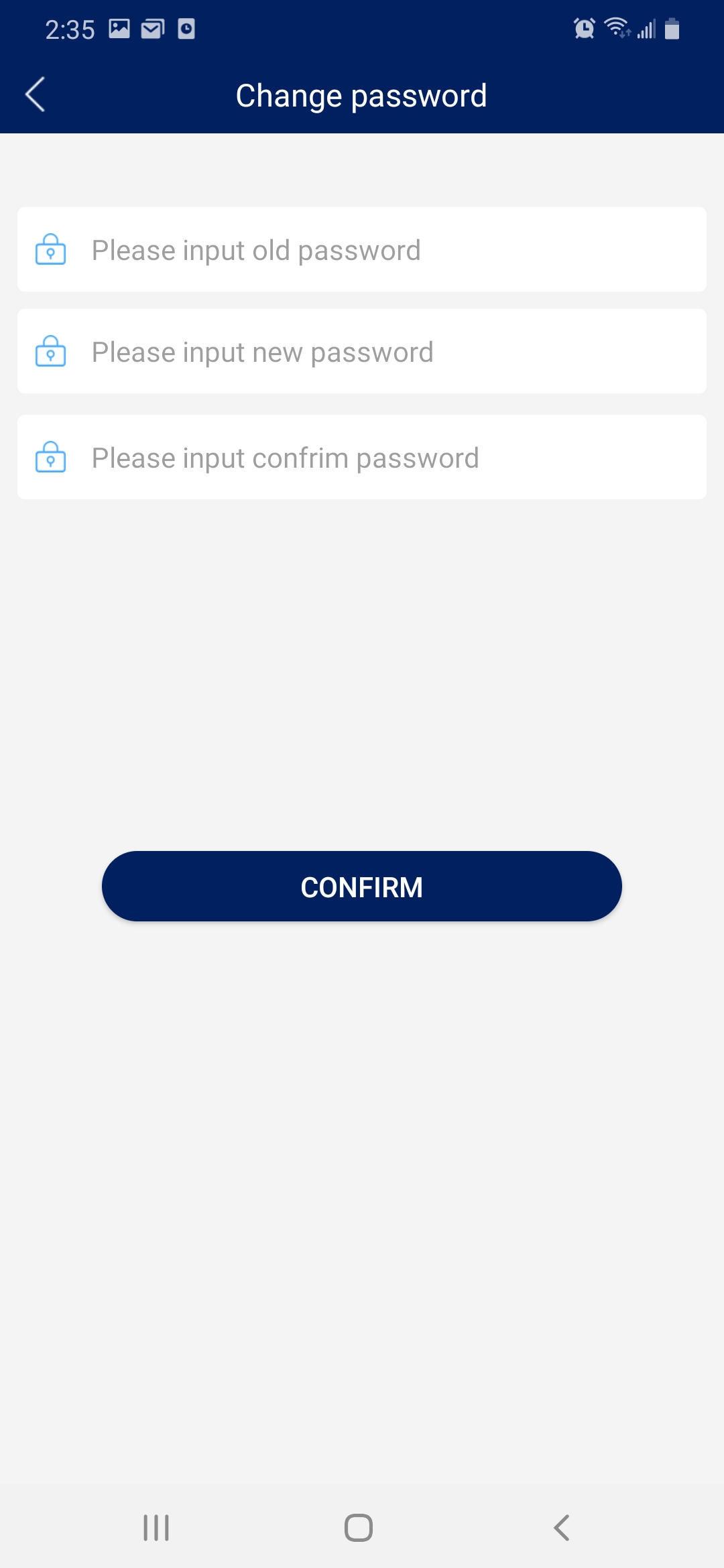
  3. Change your password by tapping on the “ME” icon located on the bottom menu, tap on “Change Password” and proceed. Note, that you may also login via the online platform at  www.kycslocate.com
  4. You are now ready to monitor your KYCS Locate device.  Start by tapping on ” User & Device” locate on the bottom menu, then tap on the asset name to monitor its location. Note the KYCS Locate device is    pre-set to one (1) location ping per day.
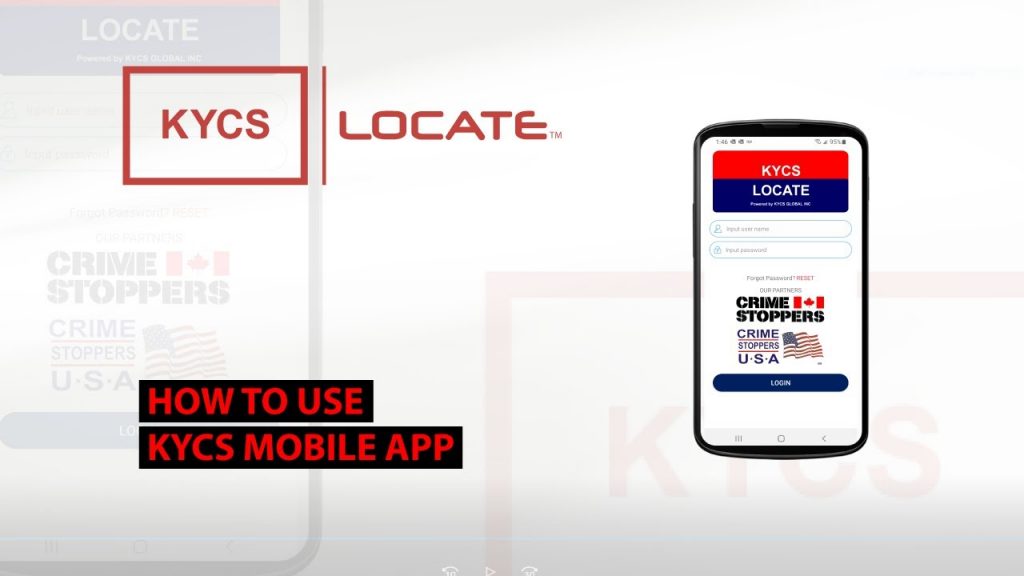
  5. Watch video How to use mobile App

KYCS Locate - How to videos


KYCS Locate – How to register a Locate device.

KYCS Locate – How to use the mobile app.

KYCS Locate – How to locate your inventory.

KYCS Locate – How to track your assets. 

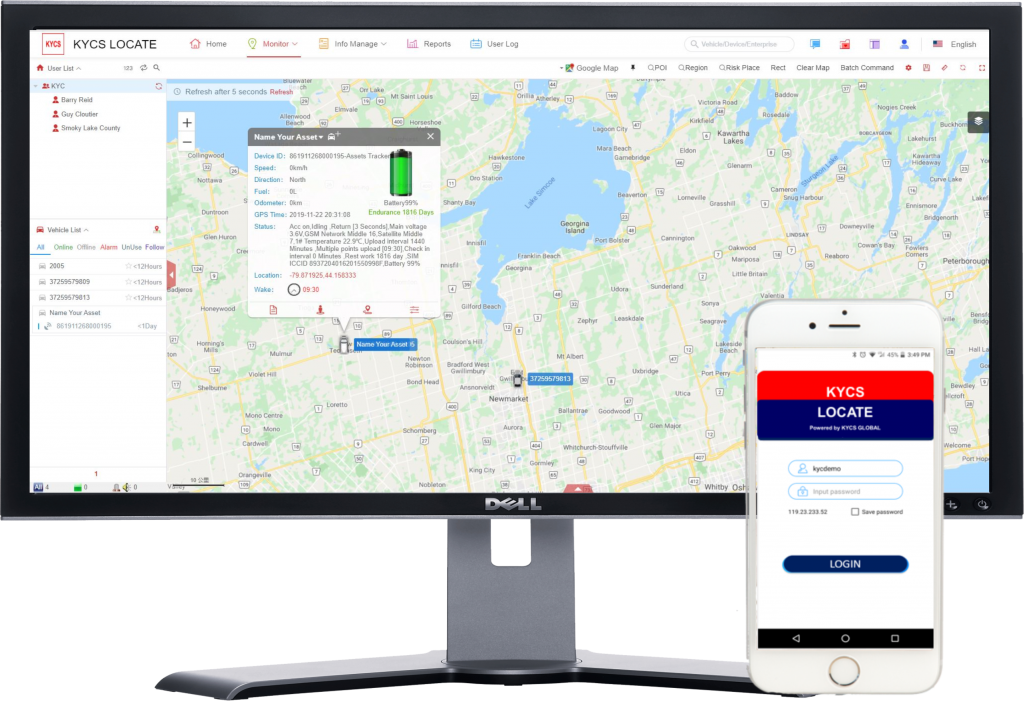
Online Locate Platform

Access our online platform for further features.

  • Device management
  • Inventory view
  • Battery monitor
  • Track replay

Installation

The device is equipped with high powered magnets for a quick and easy installation on most metal surfaces. You may also use the provided 3M adhesive for installation on non-metal surfaces.
The KYCS Locate device has a weatherproof casing and can be installed on most assets including vehicles, trailers, RV's, heavy equipment, generators, boats, powersports, motorcycles and more... Install the KYCS Locate device in a hidden place within the asset.
Note, do not install the KYCS Locate device inside a metal enclosure.
Once installed you may use the KYCS Locate app or online portal to view its last pinged location.  The KYCS Locate device will provide one (1) preset location ping per day. For further details you may contact us

User Guide and Tips

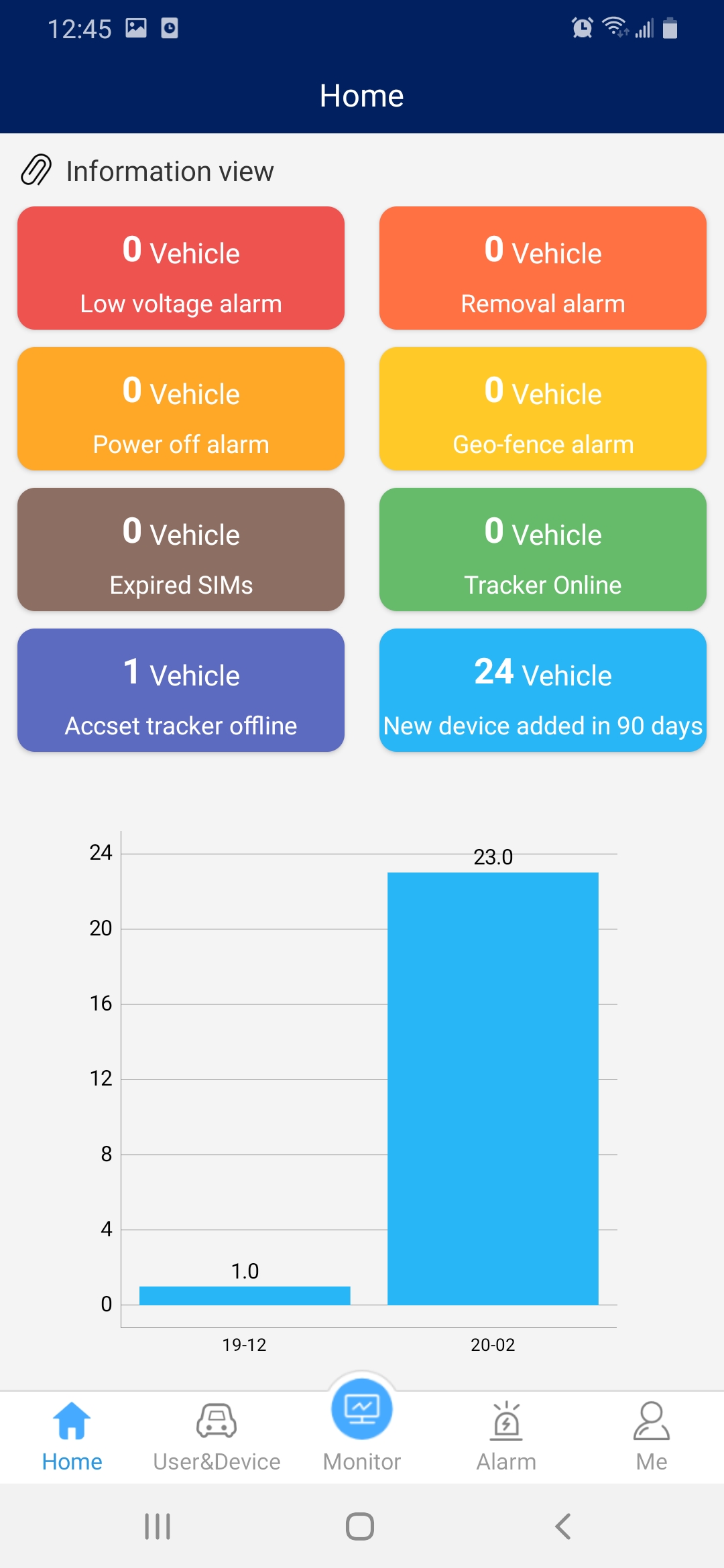
Home page displays an overview of how many KYCS Locate devices are

  1. Online
  2. Offline
  3. Added over the past 90 days.
  4. Removal alarm, note must be activated by KYCS Global Inc.
  5. Power off alarm

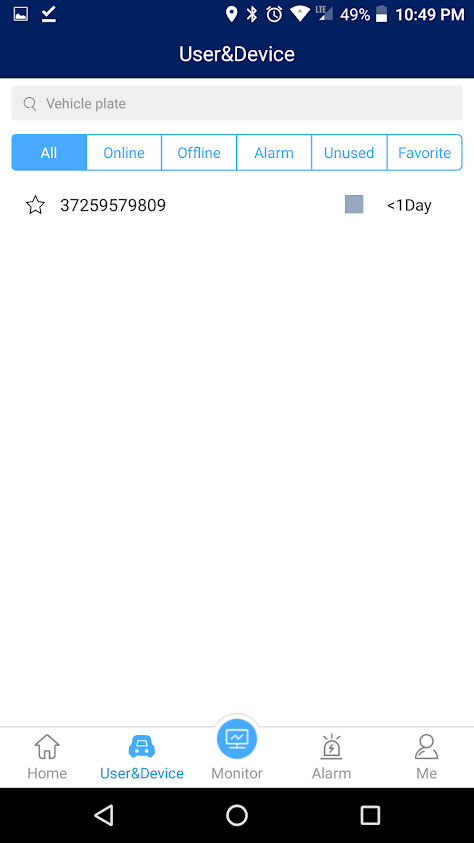
The User & Device page will display all your KYCS locate devices.
  1. Ability to search your inventory by name.
  2. View online, offline, alarm, used, favorite and follow each device.
  3.  Ability to tap on a name device and view it’s last pinged location.
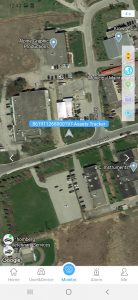
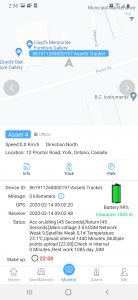
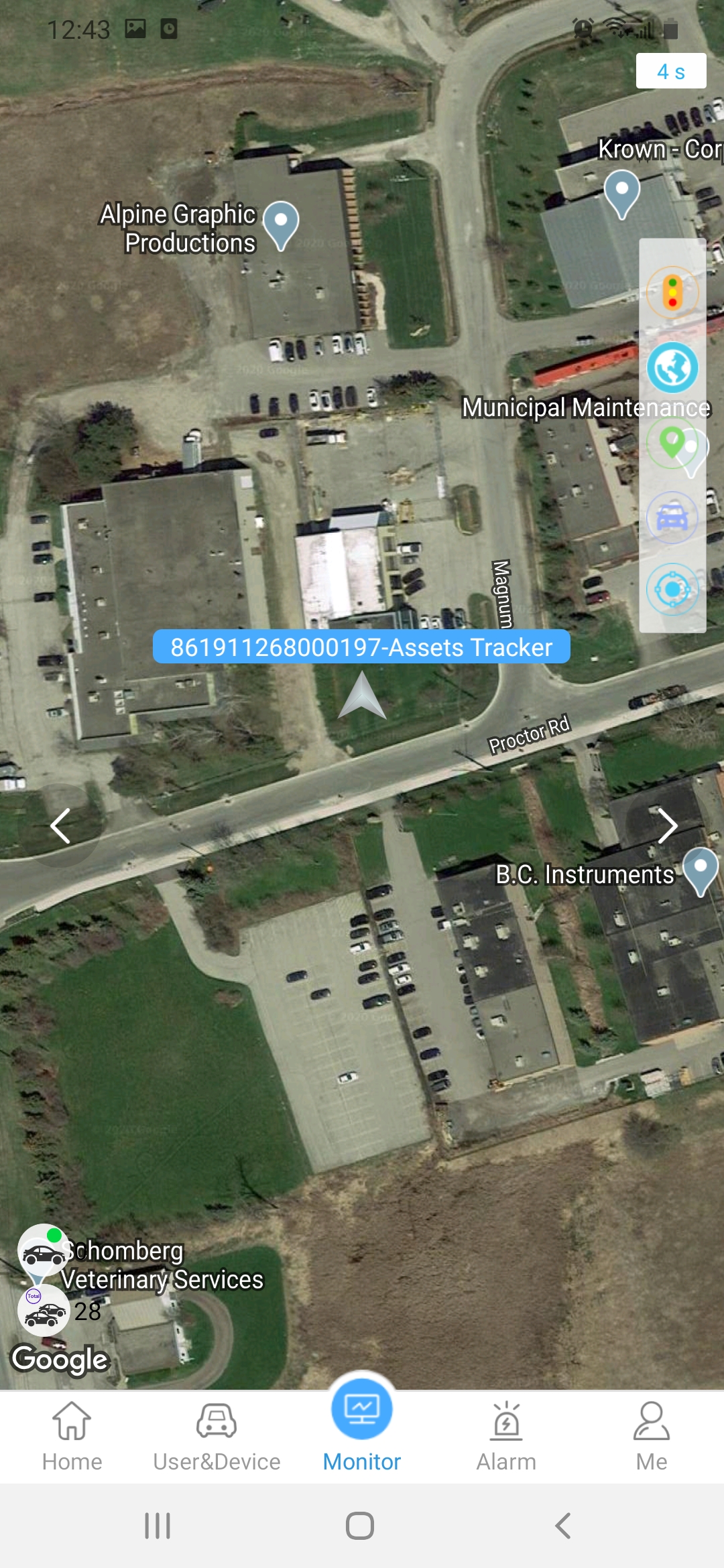
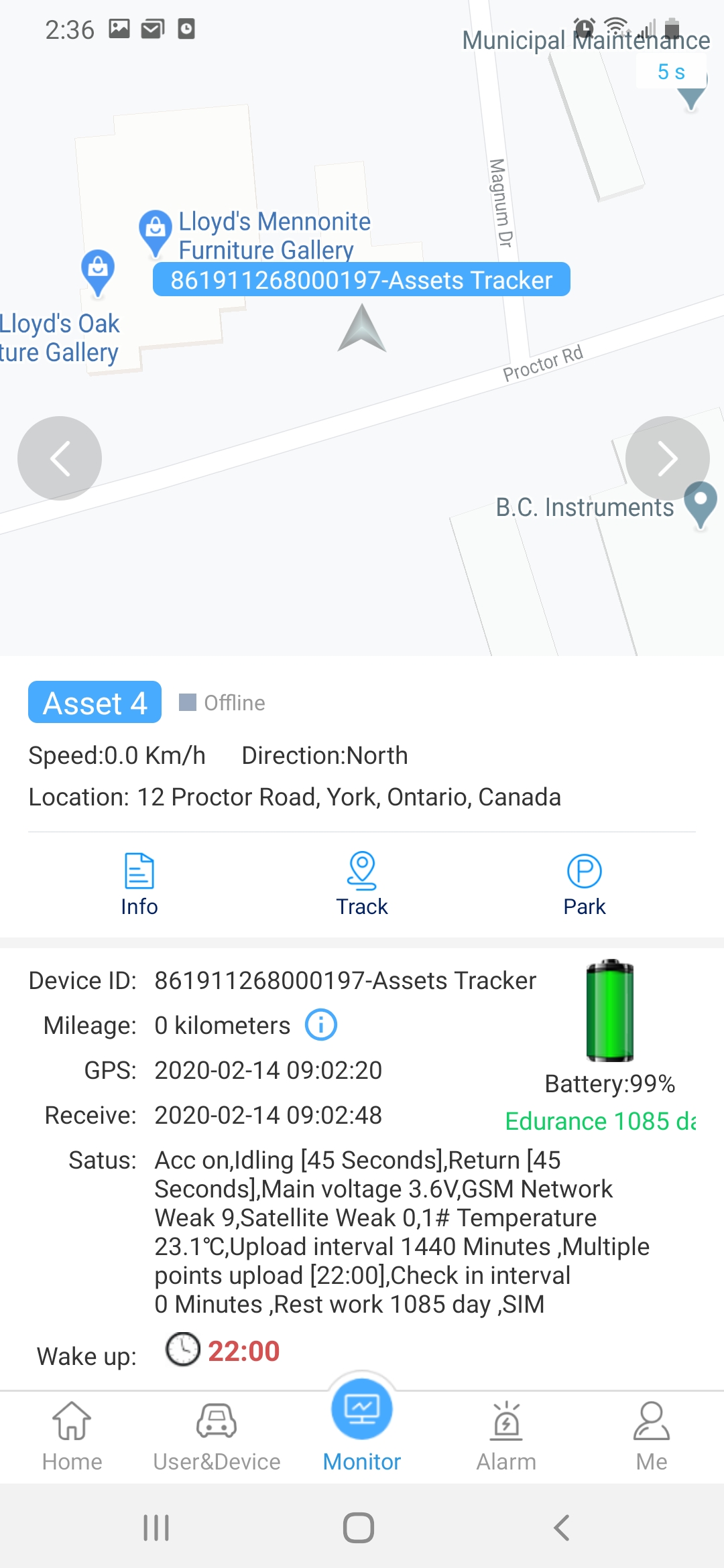
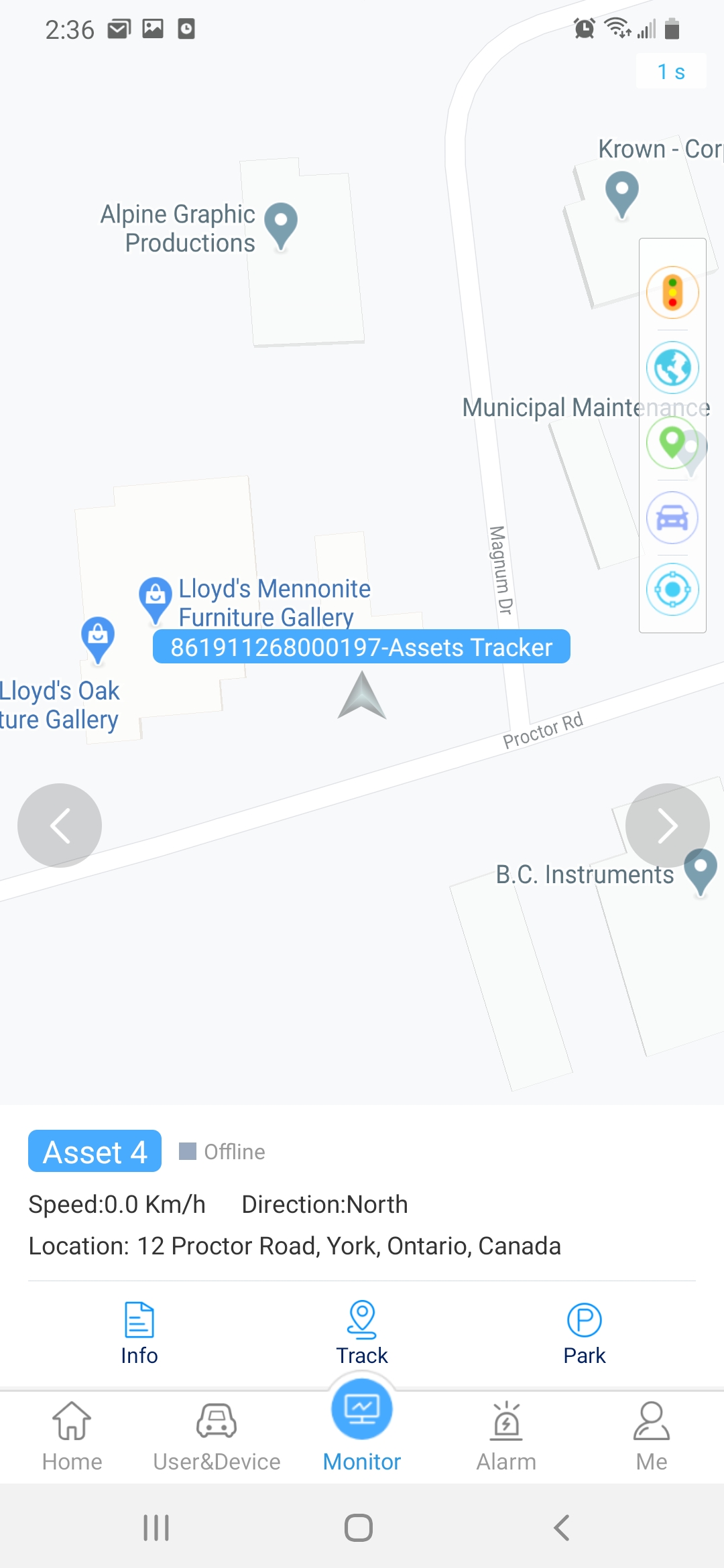
View the map location of one (1) KYCS Locate device, Note to view all devices at once you must use the online platform. Features:
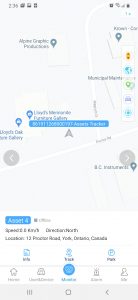
  1. View map in standard or satellite by tapping on the globe icon.
  2. Tap on the asset icon to view further details.
  3. Swipe from bottom up to view battery monitor, wake up time, device status and last ping.
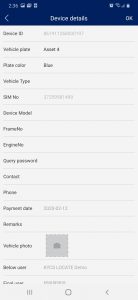
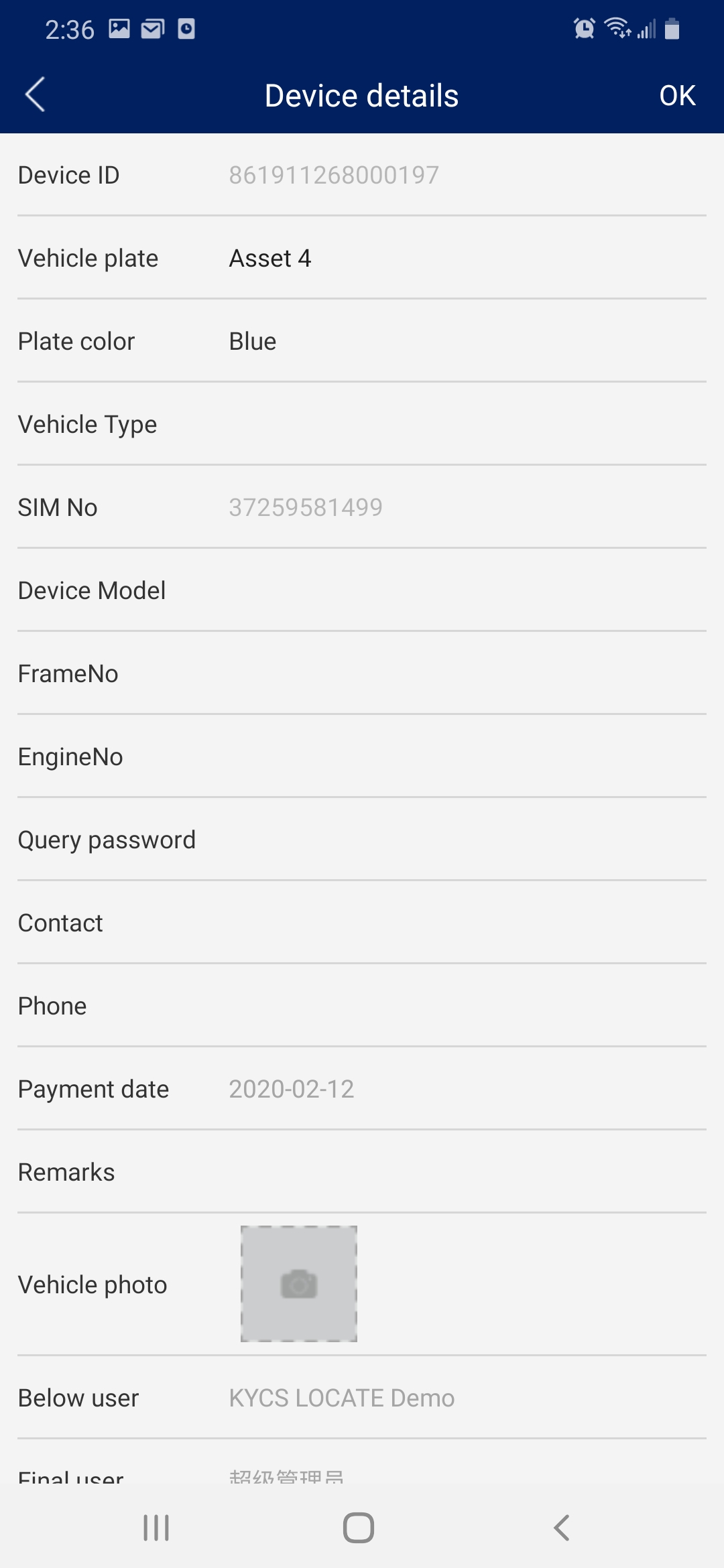
  4. Tap on “Info” to display or change asset name
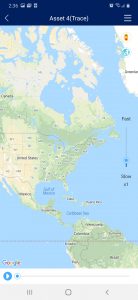
  5. Tap on “Track” to replay the location details for the past 2 days.
 

The Alarm page will display a removal alarm if the KYCS Locate device has been activated with the alarm feature.  Please contact us to activate the removal alarm. 

The page will allow you to change your password, logout and set push alerts if available with your program.
Yes, the KYCS Locate device is weatherproof with an industrial housing.  You can install the KYCS Locate device on most assets including, boats, motorcycles, RV’s, trailers, generators and more. It’s important to note that the KYCS Locate device should not be installed in a metal enclosure as it will prevent the signal from being transmitted. 
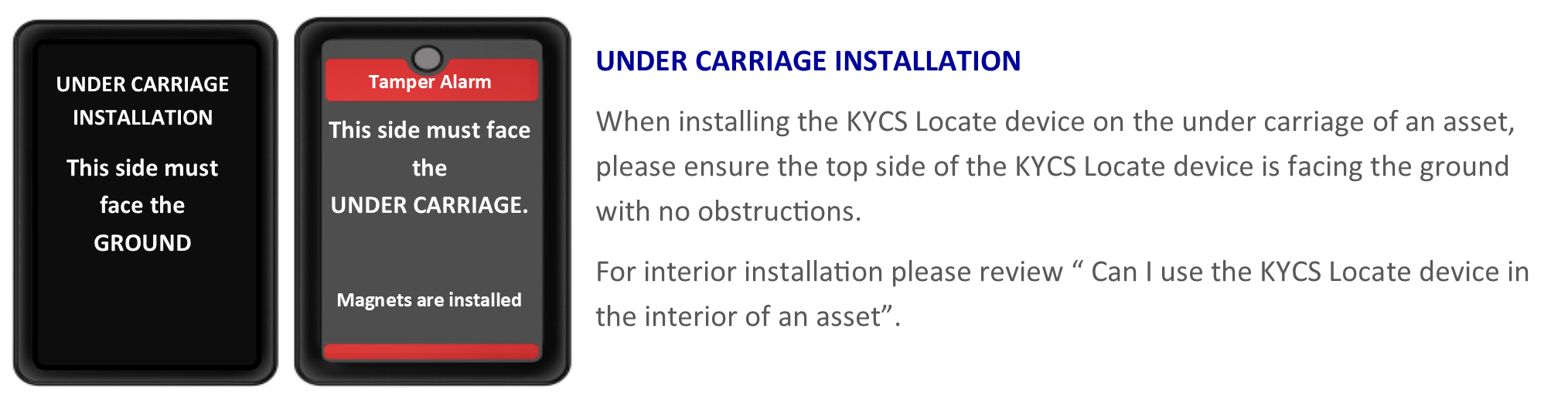
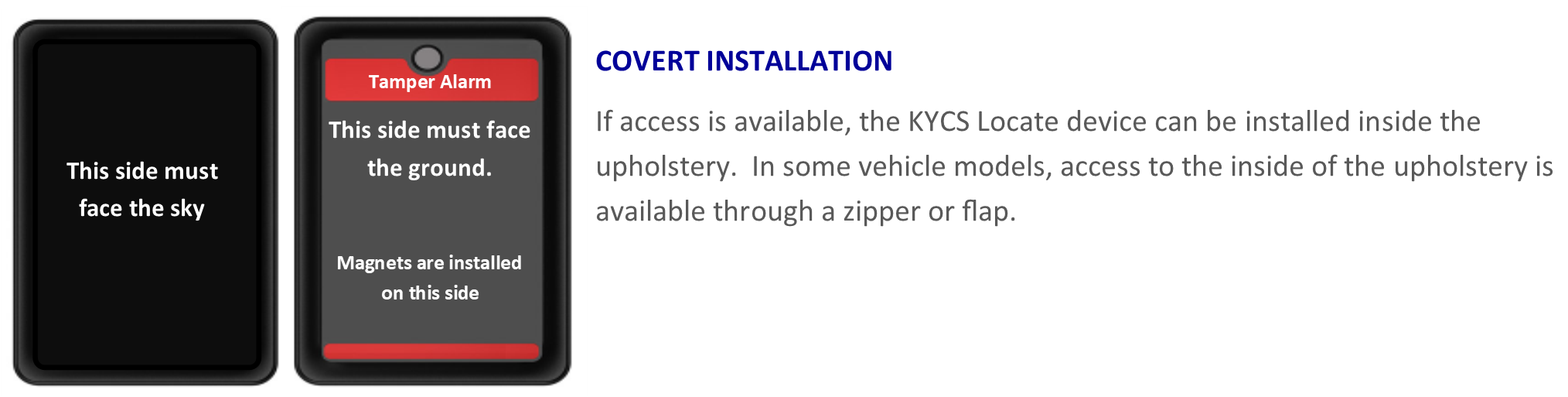
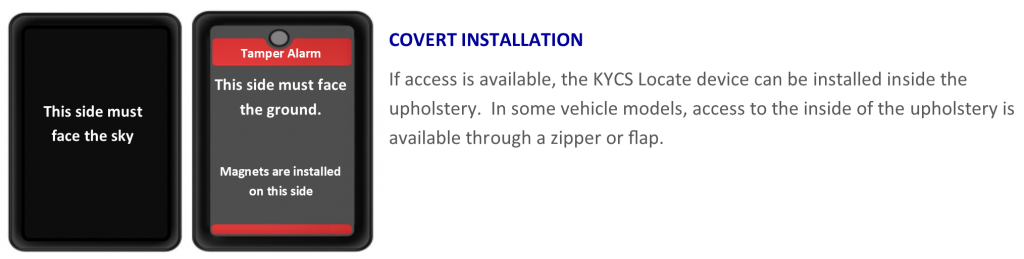
Yes, when installing the KYCS Locate device inside a vehicle, please ensure that the red stripes are facing towards the ground.  The antenna is located on the top of the device which is the opposite side of the red stripes and must be facing up toward the sky. It’s important to note that the KYCS Locate device should not be installed in a metal enclosure as it will prevent the signal from being transmitted.  The KYCS Locate device works under or inside plastic enclosures.
  • In the event an asset equipped with a KCYS locate device is stolen, report the theft immediately to local law enforcement in the city/town where the theft occurred.
  • Click on ” Report a Theft” under the “Contact Us” top menu and fill in the form. Enter your Registration ID ( located in the top left box of your Agreement & Term form, as provided by your dealer), Police incident number and contact details. Submit once completed.
  • You may also contact us directly at 1-866-800-4111