







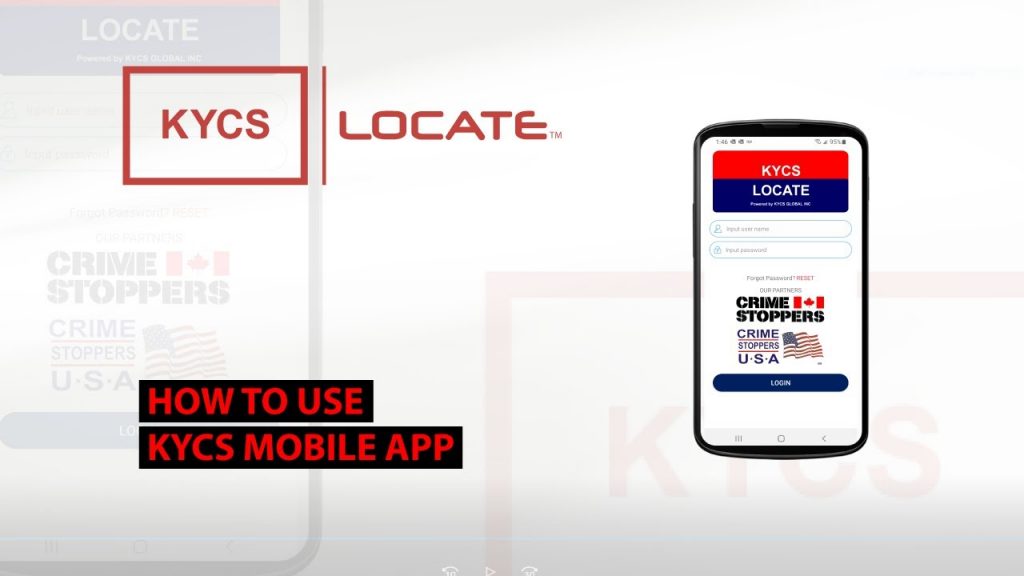

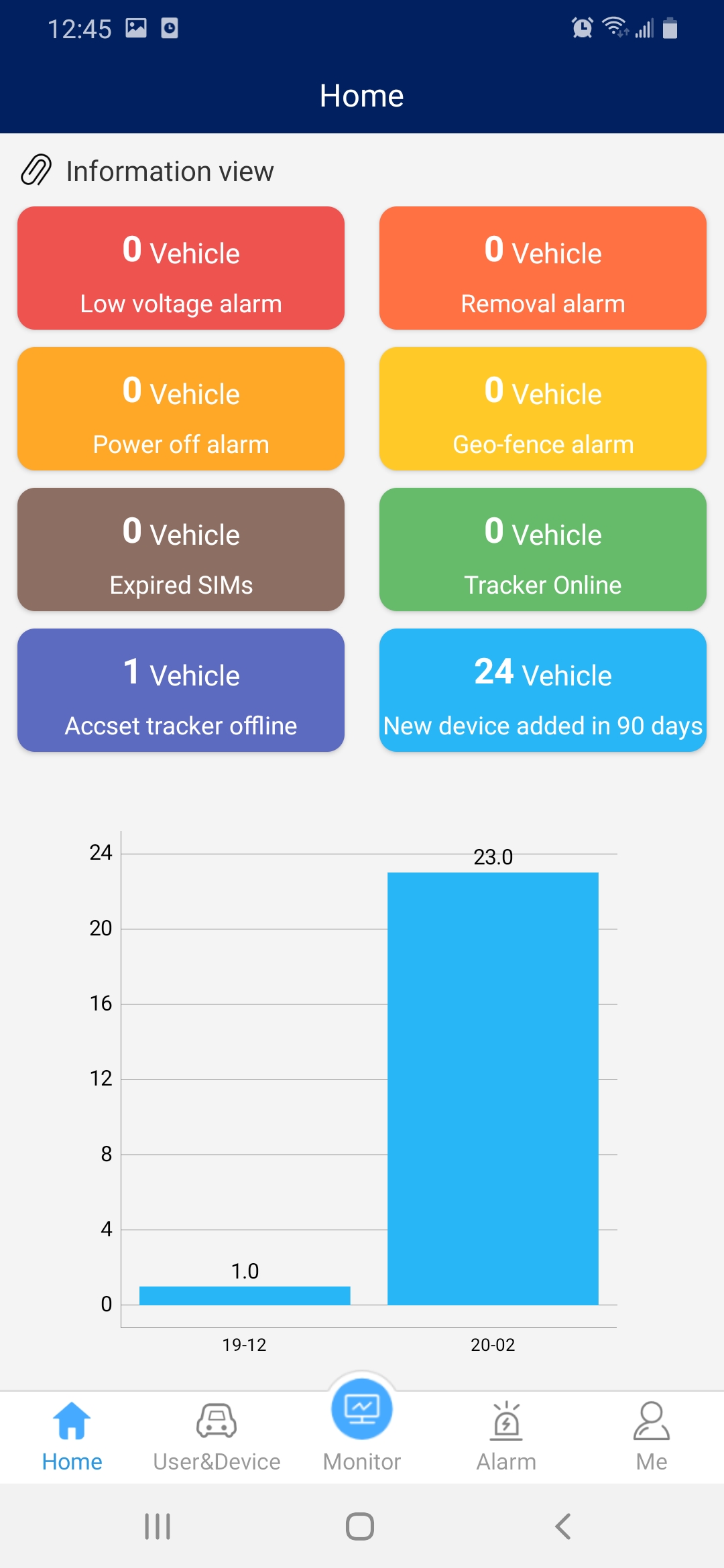
Home page displays an overview of how many KYCS Locate devices are
- Online
- Offline
- Added over the past 90 days.
- Removal alarm, note must be activated by KYCS Global Inc.
- Power off alarm
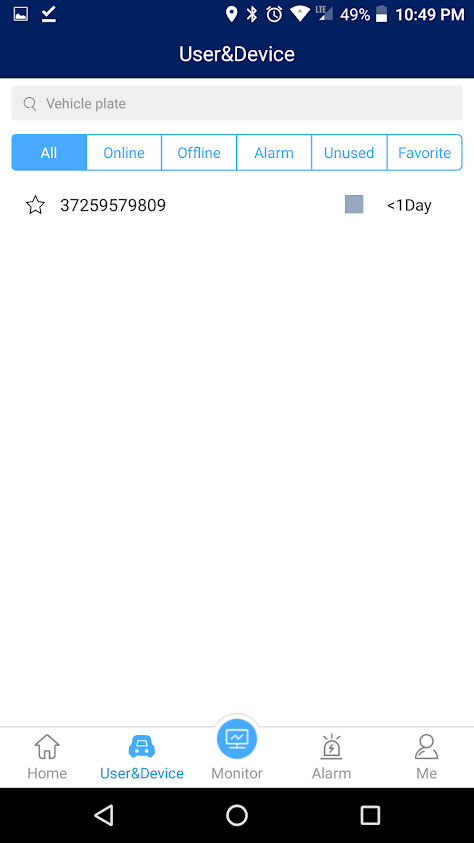
The User & Device page will display all your KYCS locate devices.
- Ability to search your inventory by name.
- View online, offline, alarm, used, favorite and follow each device.
- Ability to tap on a name device and view it’s last pinged location.
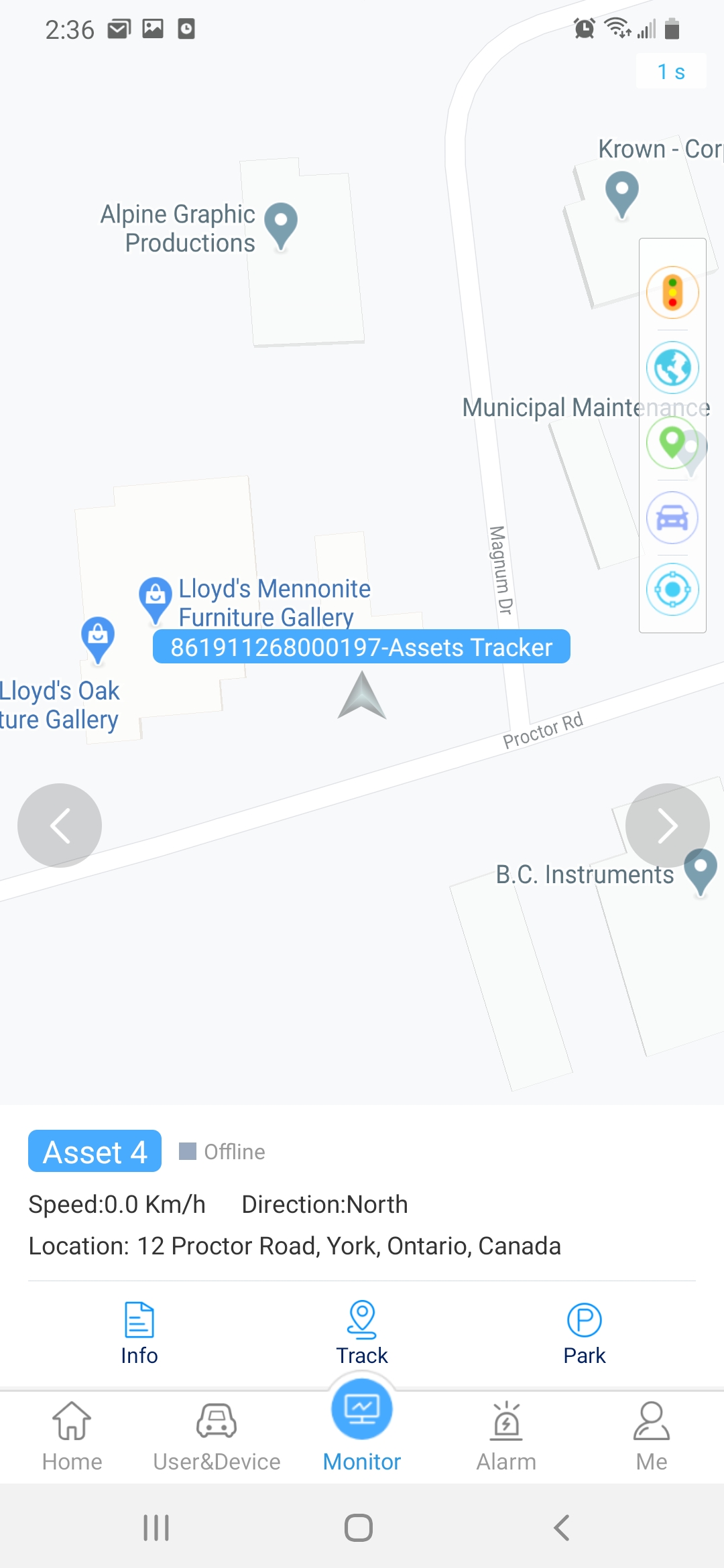
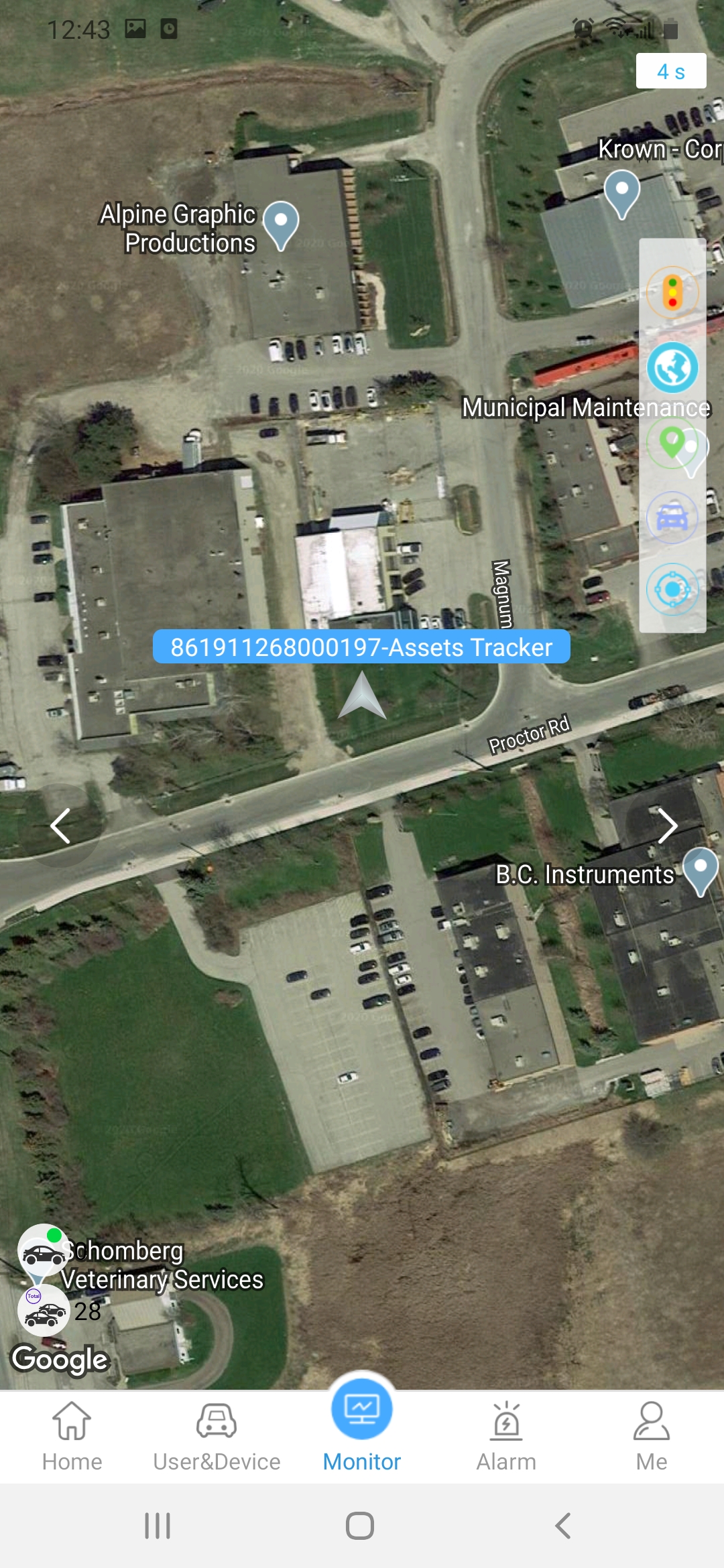
View the map location of one (1) KYCS Locate device, Note to view all devices at once you must use the online platform.
Features:
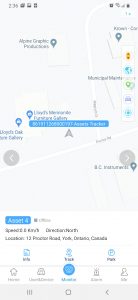
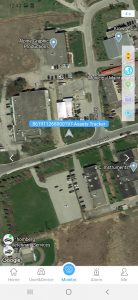
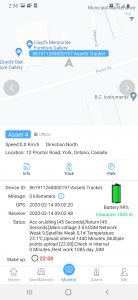
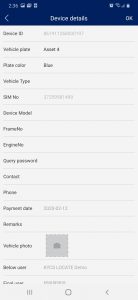
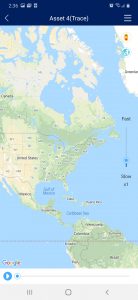
- View map in standard or satellite by tapping on the globe icon.
- Tap on the asset icon to view further details.
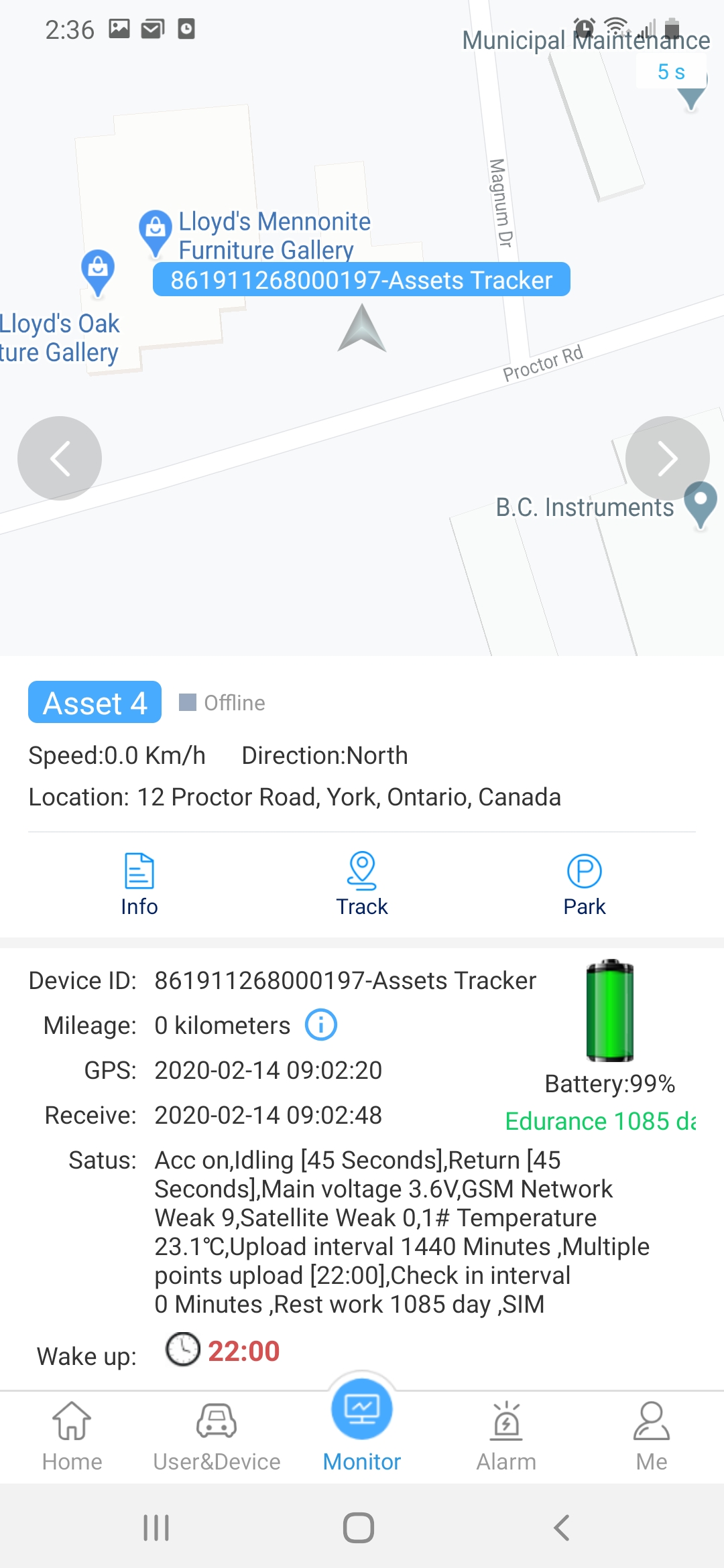
- Swipe from bottom up to view battery monitor, wake up time, device status and last ping.
- Tap on “Info” to display or change asset name
- Tap on “Track” to replay the location details for the past 2 days.

The Alarm page will display a removal alarm if the KYCS Locate device has been activated with the alarm feature. Please contact us to activate the removal alarm.
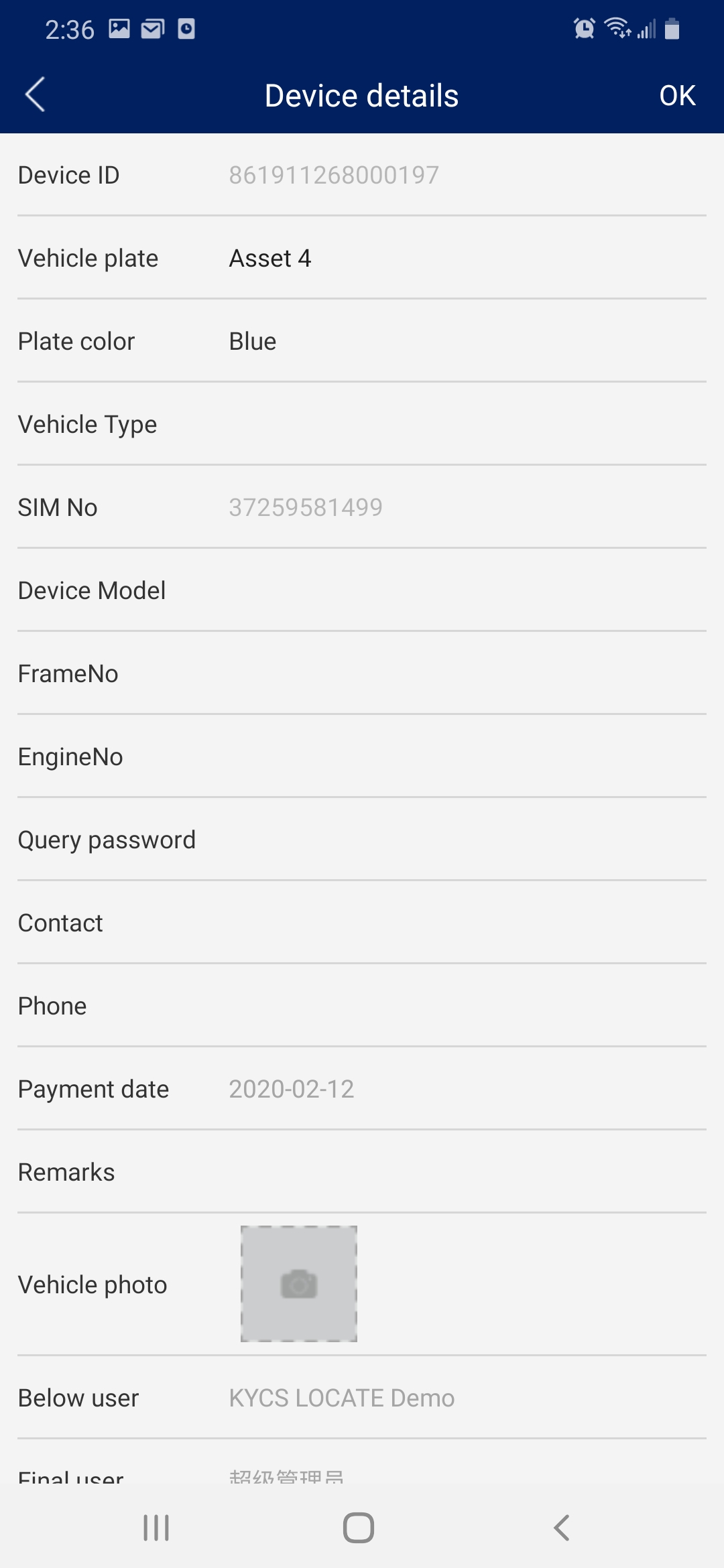
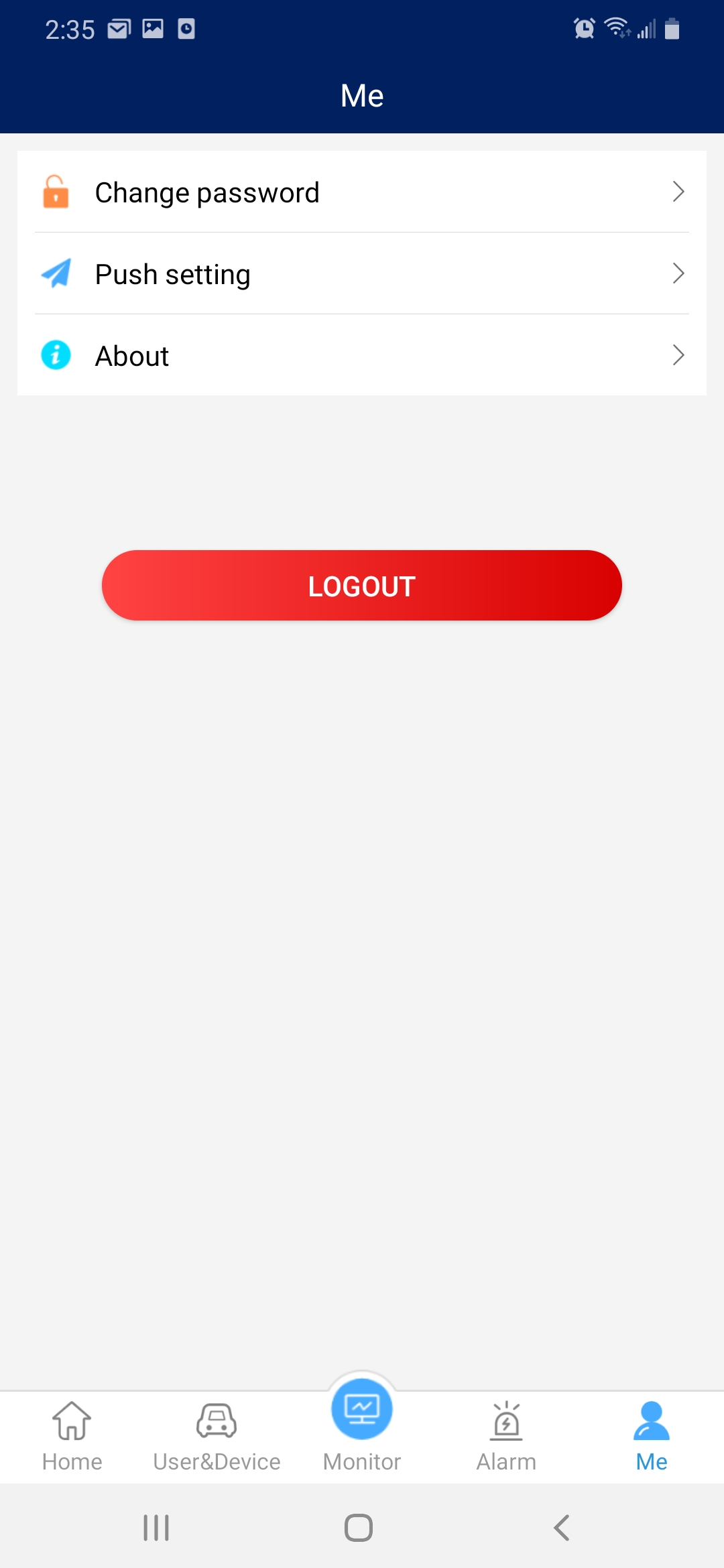
The page will allow you to change your password, logout and set push alerts if available with your program.
Yes, the KYCS Locate device is weatherproof with an industrial housing. You can install the KYCS Locate device on most assets including, boats, motorcycles, RV’s, trailers, generators and more. It’s important to note that the KYCS Locate device should not be installed in a metal enclosure as it will prevent the signal from being transmitted. 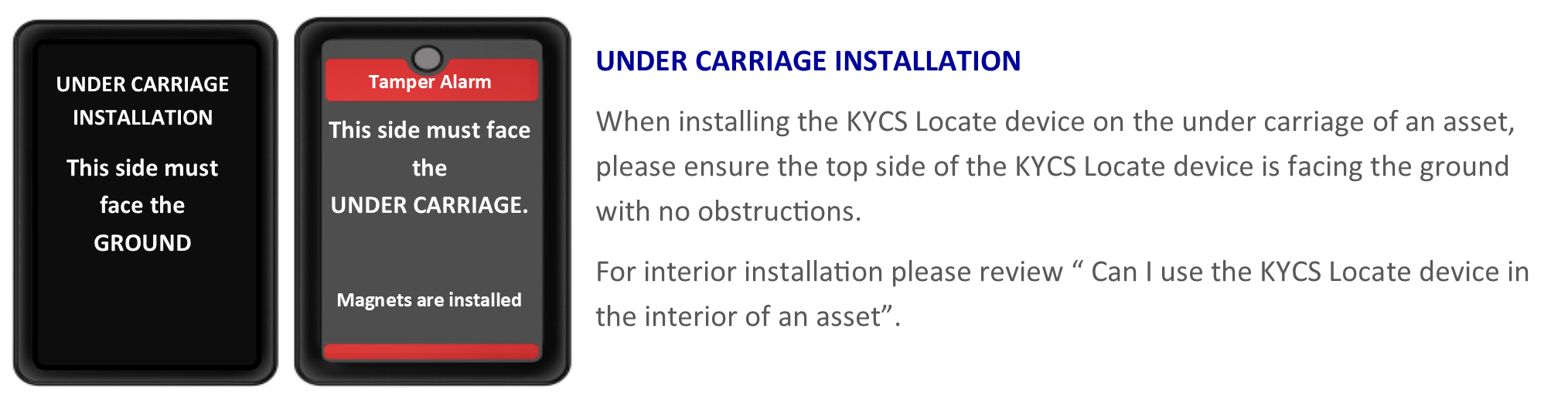
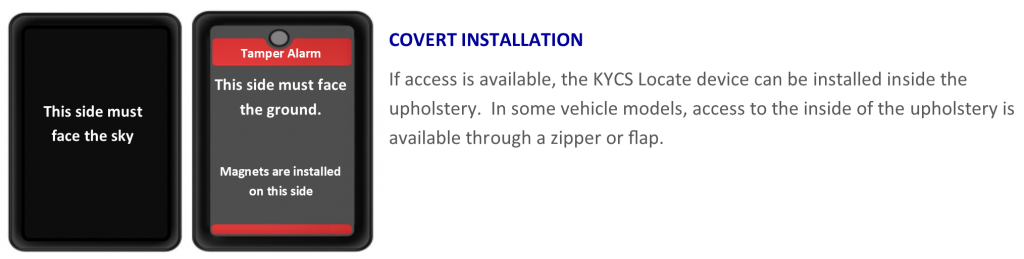
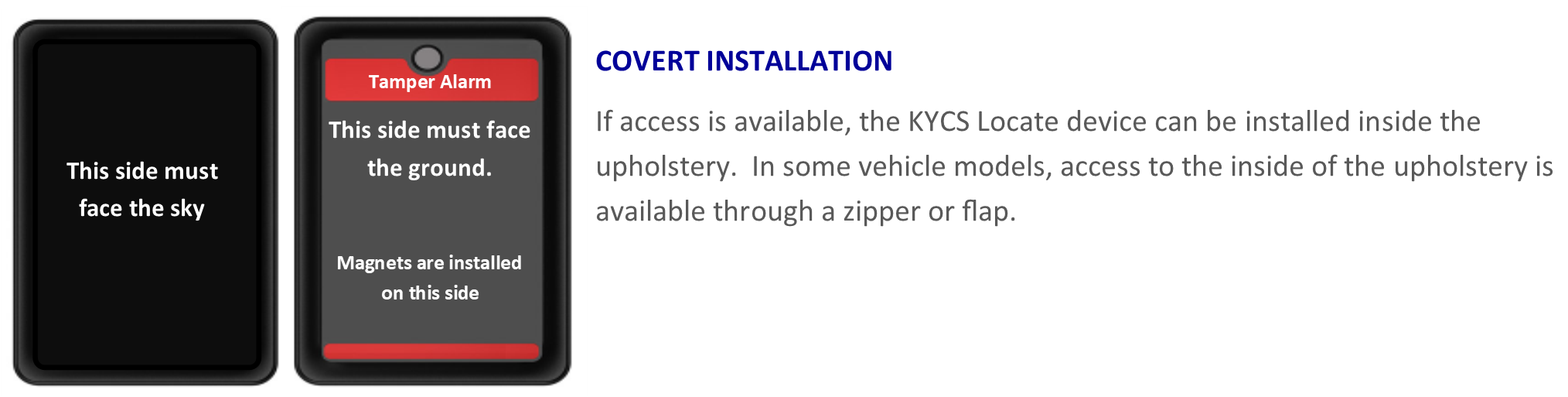
Yes, when installing the KYCS Locate device inside a vehicle, please ensure that the red stripes are facing towards the ground. The antenna is located on the top of the device which is the opposite side of the red stripes and must be facing up toward the sky. It’s important to note that the KYCS Locate device should not be installed in a metal enclosure as it will prevent the signal from being transmitted. The KYCS Locate device works under or inside plastic enclosures.
- In the event an asset equipped with a KCYS locate device is stolen, report the theft immediately to local law enforcement in the city/town where the theft occurred.
- Click on ” Report a Theft” under the “Contact Us” top menu and fill in the form. Enter your Registration ID ( located in the top left box of your Agreement & Term form, as provided by your dealer), Police incident number and contact details. Submit once completed.
- You may also contact us directly at 1-866-800-4111


 English (Canada)
  Français du Canada